Resources
Thinking kids to think, create and question
Free & Paid

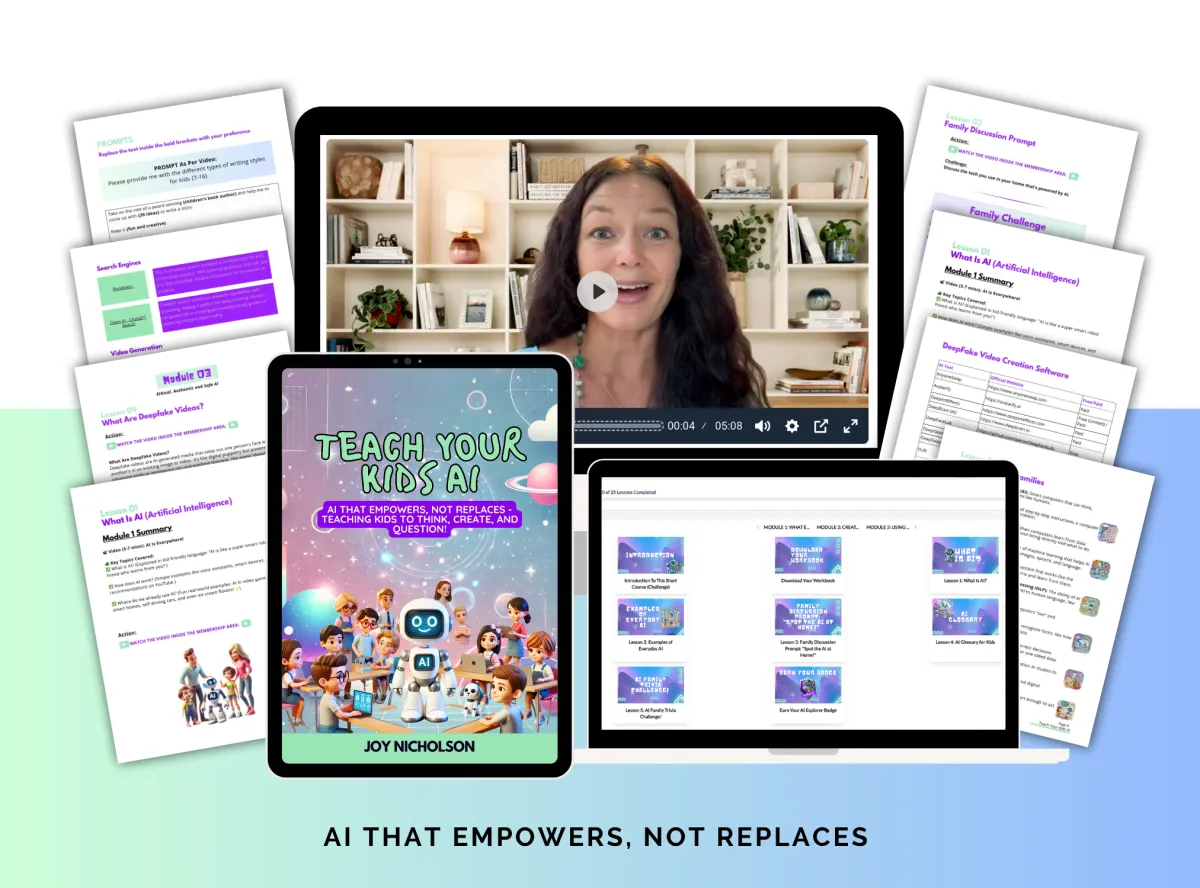
Teach Your Family AI
A self-paced mini-course that helps parents and kids learn AI together in just a few hours. You’ll discover:
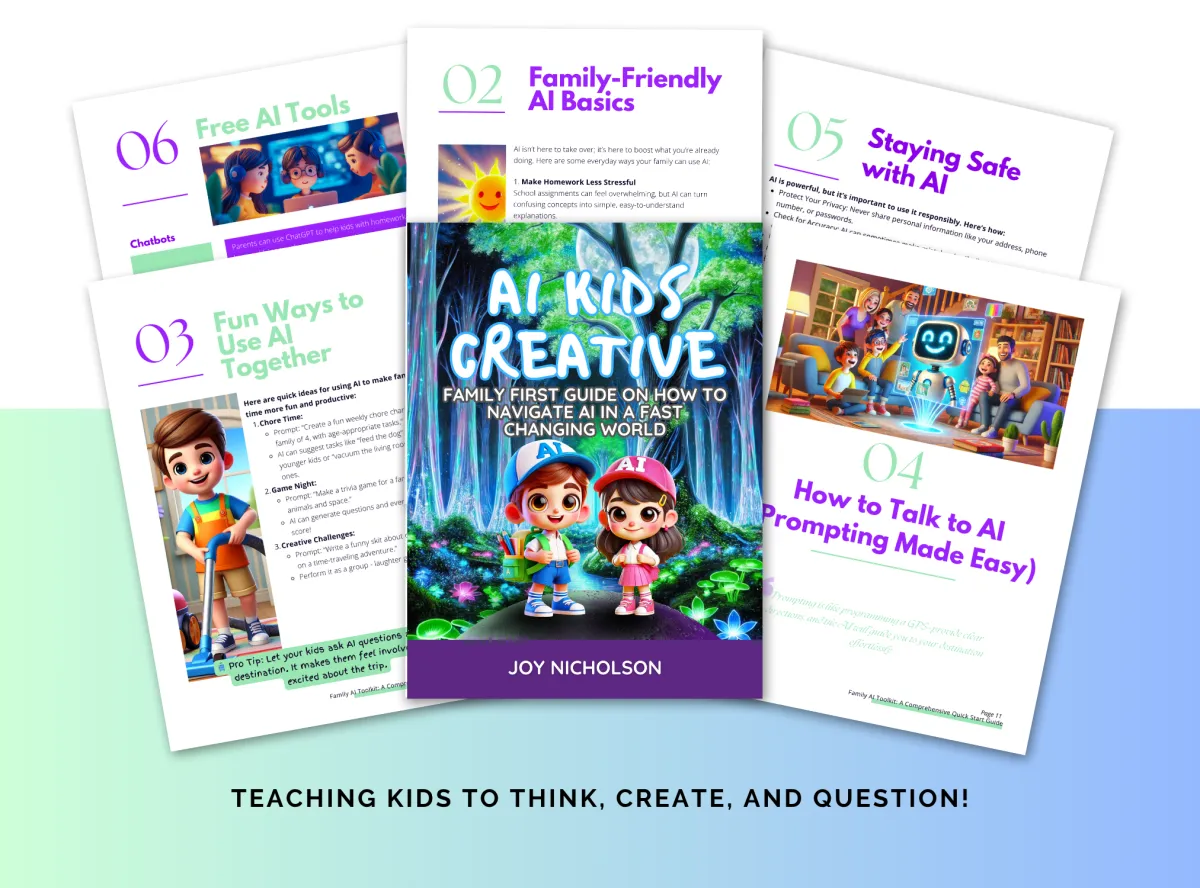
Family First Toolkit
A quick-start guide for families new to AI and includes practical tips, fun activities, safety advice, and tool recommendations.
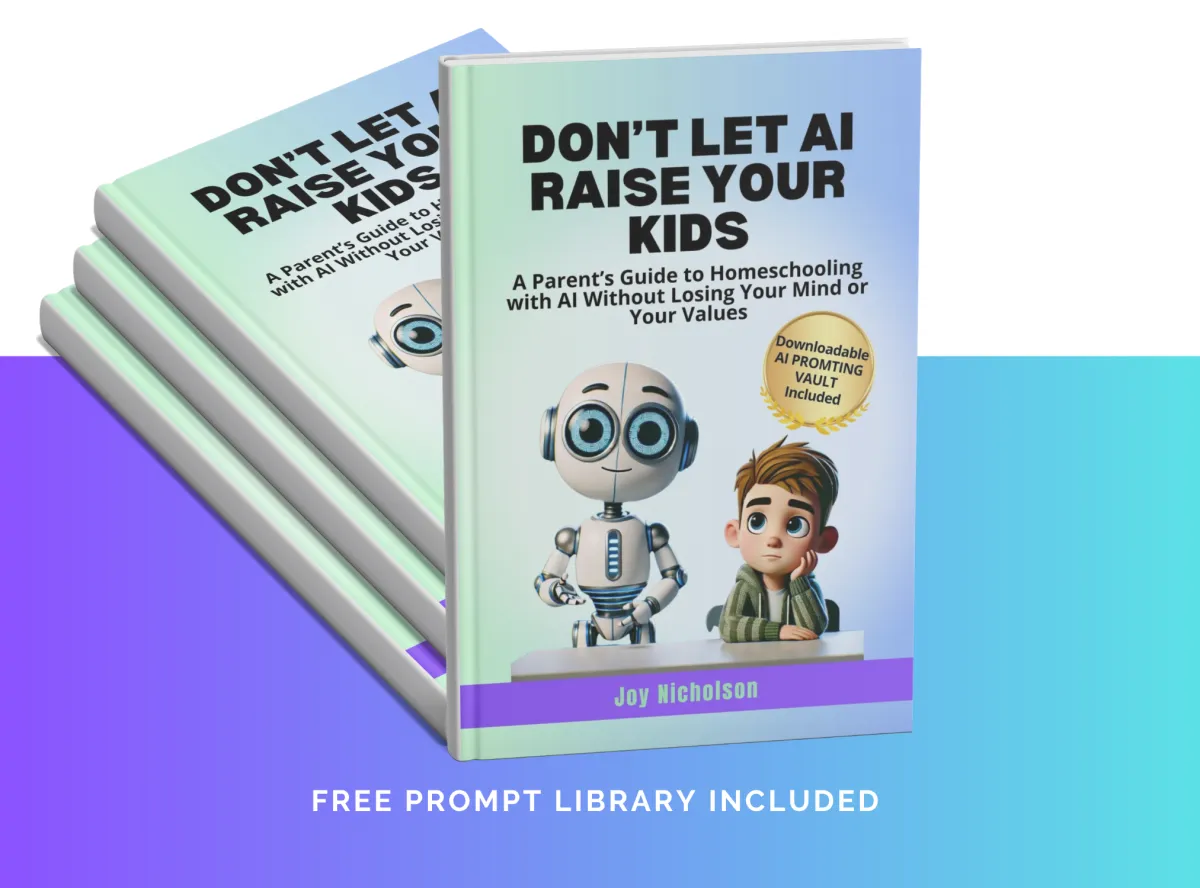
Don't Let AI Raise Your Kids
A Parent’s Guide to Homeschooling with AI, create interest based lessons and more.
Sides hustles for Teens
COMING SOON

Read Our Newest Blogs
EdCafe Review
EdCafe Review
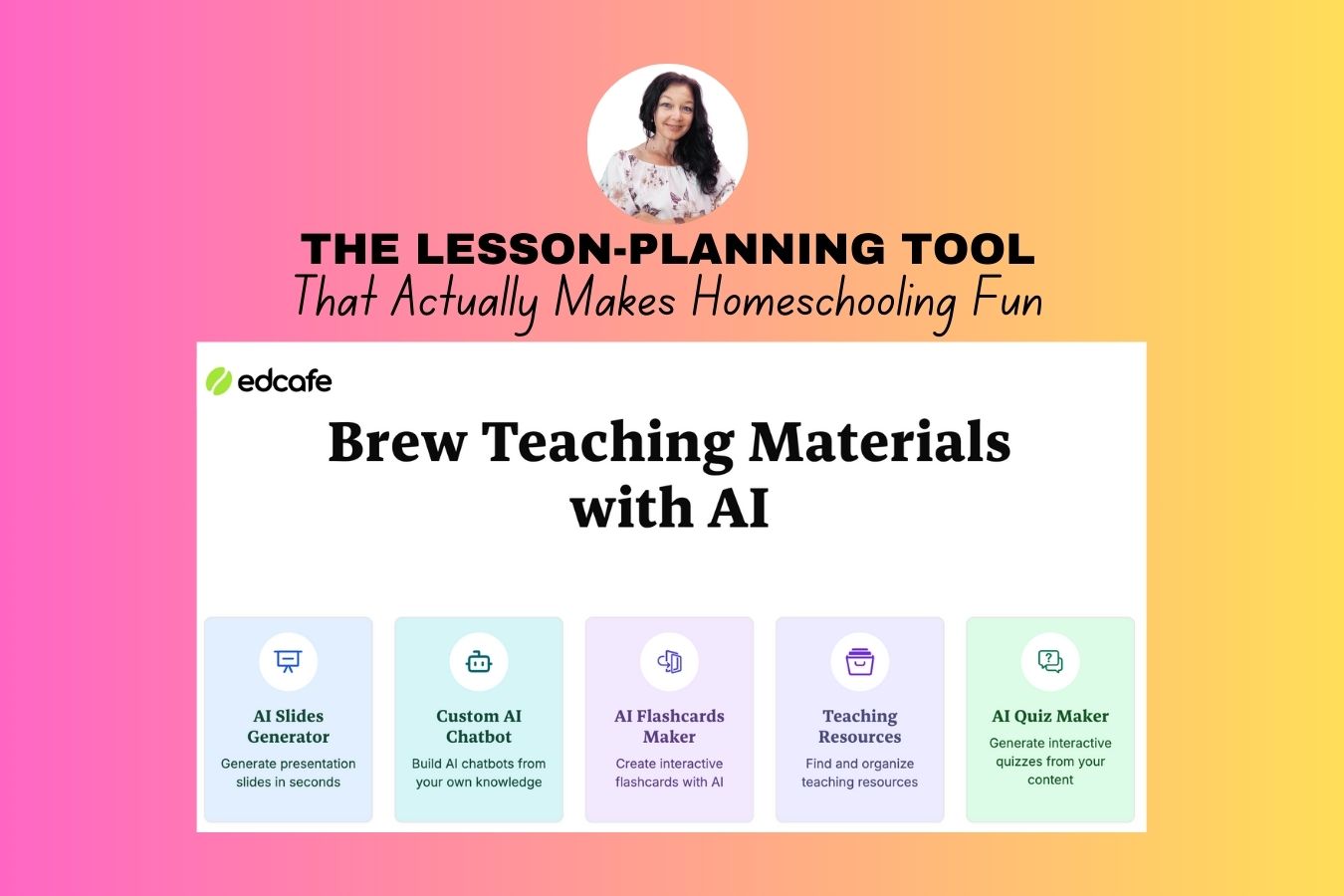
The Lesson-Planning Tool That Actually Makes Homeschooling Fun
An honest look at EdCafe - the AI-powered platform quietly changing how parents and teachers create custom lessons.
I've been homeschooling my kids for almost five years now, and if there's one thing I've learned, it's that the planning is where all the time goes. The actual teaching? That's the bit I love. It's the hours spent beforehand - building lessons, finding resources, making sure everything is age-appropriate and actually engaging - that used to drain me completely. That changed when I stumbled across a tool called EdCafe.
"The best lessons aren't just informative - they're built around your child. EdCafe is the first tool I've found that actually does this without eating up your whole afternoon."
I've been using EdCafe for a couple of months now, and I genuinely can't believe how much it has simplified my workflow. Whether you're a homeschooling parent juggling multiple kids at different levels, or a classroom teacher trying to keep thirty little humans engaged - this platform deserves your attention.
Let me walk you through exactly what it does and why I think it's worth your time.
- The Basics
So, What Exactly Is EdCafe?
At its core, EdCafe is an AI-powered education platform designed to help parents and teachers create fully customised lessons — fast. You access it through app.edcafe.ai sign up with a simple username and password, and you're in. No complicated setup, no steep learning curve. Just a clean dashboard and a whole lot of creative possibilities waiting for you.
Think of it as your personal lesson-building assistant. You tell it what you want to teach, a little bit about your child (their age, how they learn best, their interests), and EdCafe does the heavy lifting — generating lesson plans, flashcards, quizzes, reading activities, and even AI-generated images to go along with everything.
- Features
What's Inside the Platform?
The moment you log in, you'll see just how much EdCafe packs in. The main dashboard gives you access to everything from lesson plans and slide decks to flashcards, quizzes, chatbots, AI-generated images, and even AI speech tools. It's a surprisingly comprehensive suite — all in one place.

- How It Works
Creating a Lesson Plan: A Quick Walkthrough
Let me show you how simple this is. Say you want to teach your kids about the solar system. You hit "Create New," select "Lesson Plan," and type in your topic. Easy so far. But here's where it gets clever — EdCafe then asks you a few quick questions about your child.
You can specify their learning type (visual, kinaesthetic, auditory — you name it), and EdCafe even lets you save this as a reusable snippet, so you don't have to re-enter it every single time. You can also set their age, add standard guidelines like IB or national curriculum standards, choose an output language (and yes, there are a lot of options — even Afrikaans, which made me smile), and pull in online resources to enrich the lesson.
Hit generate, and within a minute or two, EdCafe builds out a full lesson plan. For our solar system example, it created learning objectives, suggested vocabulary, outlined a hands-on hook activity, included a guided lesson structure, and even pulled in relevant YouTube videos and online articles. All without me lifting a finger beyond typing "solar system."

💡 Pro Tip
Don't forget to set the age of your child when generating lessons. EdCafe will adjust the complexity and language accordingly — a huge difference between a lesson for an 8-year-old versus a 14-year-old.
The Flashcard Magic
Flashcards are another absolute standout. You can choose the format — question and answer, vocabulary, true or false, fill in the blank — and EdCafe generates the cards for you. But the really fun part? You can add AI-generated images directly onto the cards. I had it create a Pixar-style illustration of the sun for one of our solar system cards, and my kids absolutely loved it.
Each flashcard set also comes with a built-invoice feature, so the cards can literally talk to your children as they flip through them. It's a small detail that makes a big difference, especially for younger or more auditory learners.
- The Good Stuff
The Real Power: Customisation
Here's what really sets EdCafe apart from other lesson-planning tools — you can genuinely tailor everything to your child. It's not a one-size-fits-all curriculum dump. It's a platform that bends to fit your family.
For example, say your child is amazing at maths but struggles a bit with English. You can build a solar system lesson that sneaks in maths problems — like calculating the distance from the Earth to the Sun — while also weaving in a little comprehension exercise or spelling activity. EdCafe can even help you generate those creative little stories to go along with it. It's the kind of thoughtful, layered lesson design that used to take me hours to put together manually.
You can also export your lessons into Google Docs if you want to tweak things further, print them out, or share them. There are options to share via link, copy a shareable URL for other EdCafe users, or even generate a QR code that kids can scan to jump straight into their lesson. Pretty neat.
- Pricing
How Much Does It Cost?
This is where EdCafe really surprised me. I was braced for an expensive subscription, but the pricing is genuinely reasonable — especially when you consider what custom curriculum resources normally cost.
EdCafe Pricing at a Glance

Extra features & access
The free version lets you explore a solid range of features before committing a single cent. The Pro plan at $7.99 a month (billed annually) opens up significantly more — and honestly, for the amount of time it saves, it's a bargain. I'm on the Premium plan myself, and I wouldn't go back. Compare that to the cost of buying curriculum materials for multiple children, and EdCafe pays for itself almost immediately.
- Bottom Line
Who Is EdCafe Actually For?
If you're a homeschooling parent who wants to create engaging, personalised lessons without spending your entire day on planning — EdCafe is a game-changer. It's also a fantastic resource for classroom teachers who want to quickly generate differentiated materials for students at different levels.
It's particularly brilliant if your kids are active learners or visual learners, because the platform leans heavily into hands-on activities, images, and interactive formats. And with support for multiple languages, it's accessible to a much wider audience than most tools in this space.
🚀 My Recommendation
Start with the free version. Spend an afternoon playing around with it — create a lesson plan, make some flashcards, see how it feels. I guarantee you'll be upgrading within the week.
Ready to Simplify Your Lessons?
Head over to EdCafe and see for yourself how much time — and stress — you can save. Your future self will thank you.
Joy Nicholson
Homeschooling mum, Human First AI educator & AI enthusiast. Writing about tools that actually simplify life.

© 2025 AI Kids Creative. All Rights Reserved. | Privacy Policy | Terms & Conditions | Disclaimer